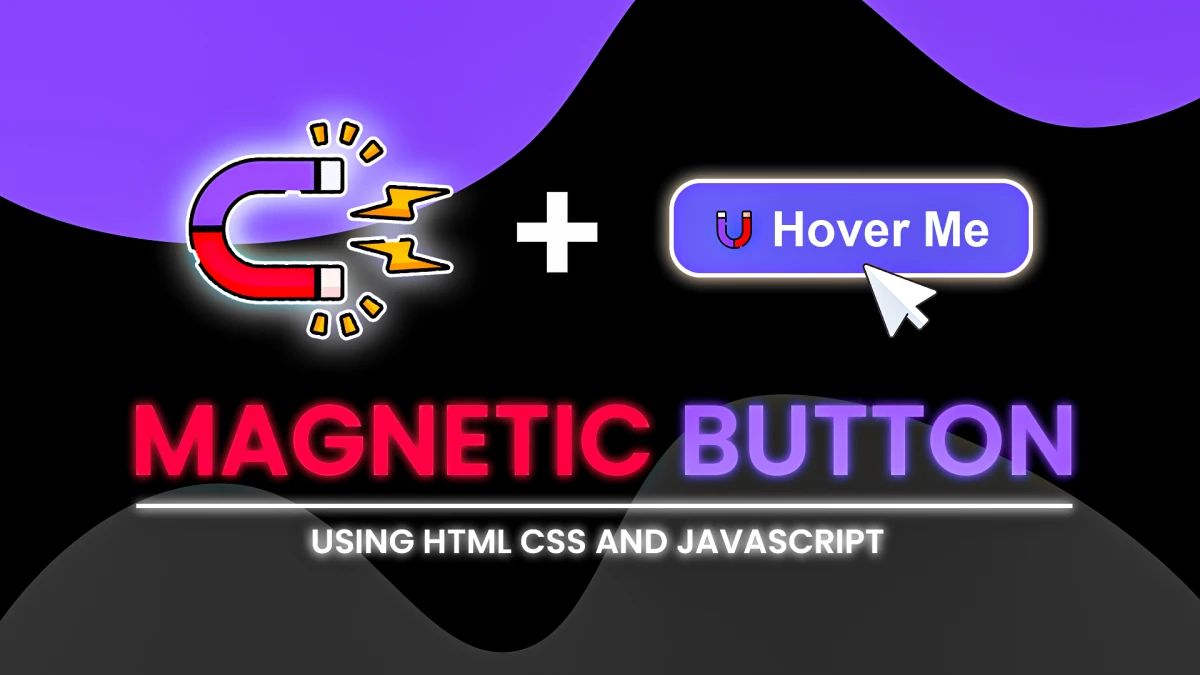
Create a Stunning 3D Magnet Effect Button with GSAP
Introduction
Interactive buttons enhance user experience and make a website feel more dynamic. In this tutorial, we’ll create a 3D magnet effect button using HTML, CSS, and GSAP (GreenSock Animation Platform). This effect makes the button smoothly follow the cursor, creating a magnetic pull effect.
Final Output Preview
Before we dive into the code, here is a preview of what we will build:
Step 1: Setting Up the Basic Structure
To begin, we need an HTML button inside a body tag. We also include Font Awesome for the button’s icon and GSAP via a CDN.
HTML Code
<!DOCTYPE html>
<html lang="en">
<head>
    <meta charset="UTF-8">
    <meta name="viewport" content="width=device-width, initial-scale=1.0">
    <title>3D Magnet Effect Button</title>
    <link rel="stylesheet" href="https://cdnjs.cloudflare.com/ajax/libs/font-awesome/6.7.2/css/all.min.css" />
</head>
<body>
    <button class="btn"><i class="fas fa-magnet"></i> Hover Me</button>
    <script src="https://cdnjs.cloudflare.com/ajax/libs/gsap/3.12.5/gsap.min.js"></script>
</body>
</html>
This structure creates a centered button with an icon.
Step 2: Styling the Button
Now, let's add CSS to style the button and apply a gradient background.
CSS Code
* {
        padding: 0;
        margin: 0;
        box-sizing: border-box;
    }

    body {
        display: flex;
        justify-content: center;
        align-items: center;
        height: 100vh;
        background: linear-gradient(135deg, #dfe9f3, #f8e2cf, #f7d8e7);
        font-family: Arial, Helvetica, sans-serif;
    }

    .btn {
        display: inline-block;
        padding: 15px 40px;
        font-size: 20px;
        font-weight: bold;
        color: #fff;
        background: linear-gradient(145deg, #3498db, #2980b9);
        border: none;
        border-radius: 15px;
        cursor: pointer;
        position: relative;
        transform-style: preserve-3d;
        box-shadow: 5px 5px 15px rgba(0, 0, 0, 0.136);
        transition: background 0.3s ease;
    }

    .btn:hover {
        background: linear-gradient(145deg, #4a9de6, #2c8dce);
    }
This CSS:
- Centers the button
- Adds a soft shadow
- Applies a hover color transition
Step 3: Implementing the 3D Magnet Effect with GSAP
Now, let's add JavaScript to create the magnetic pull effect when the mouse moves over the button.
JavaScript Code
const btn = document.querySelector('.btn');
    btn.addEventListener('mousemove', (e) => {
        const { left, top, width, height } = btn.getBoundingClientRect();
        const x = e.clientX - (left + width / 2);
        const y = e.clientY - (top + height / 2);

        // add tilt effect
        let tiltVal = 20;
        const rotateX = (y / height) * tiltVal;
        const rotateY = (x / width) * -tiltVal;

        let strength = 0.3;
        gsap.to(btn, {
            x: x * strength,
            y: y * strength,
            rotationX: rotateX,
            rotationY: rotateY,
            transformPerspective: 500,
            transformOrigin: "center center",
            duration: 0.3,
            ease: "power2.out"
        })
    })
    // return back the button to inital position
    btn.addEventListener('mouseleave', () => {
        gsap.to(btn, {
            x: 0,
            y: 0,
            rotationX: 0,
            rotationY: 0,
            duration: 0.3,
            ease: 'power2.out'
        })
    })
How It Works?
-
mousemoveEvent:- Captures the mouse position relative to the button.
- Calculates the rotationX and rotationY based on the cursor’s position.
- Moves and tilts the button smoothly with GSAP.
-
mouseleaveEvent:- Resets the button to its original position.
- Ensures a natural movement when the cursor leaves the button.
Final Thoughts
This 3D magnet effect button adds a professional touch to UI buttons, making them more interactive and visually appealing. With GSAP animations, the effect remains smooth and efficient.
💡 Customization Tip: You can experiment with rotation values, animation speeds, and cursor strength to create a unique UI effect for your website.
🚀 Try this effect on your next project and make your buttons stand out!